Tools & effects / DaVinci Resolve
FX LAB
Every effect is built to be drag-and-drop , with the goal of bringing instant style. Each effect comes with controls that let you fine tune the result all without leaving the Edit page.
Secure Sellfy checkout · Digital download
FX LAB
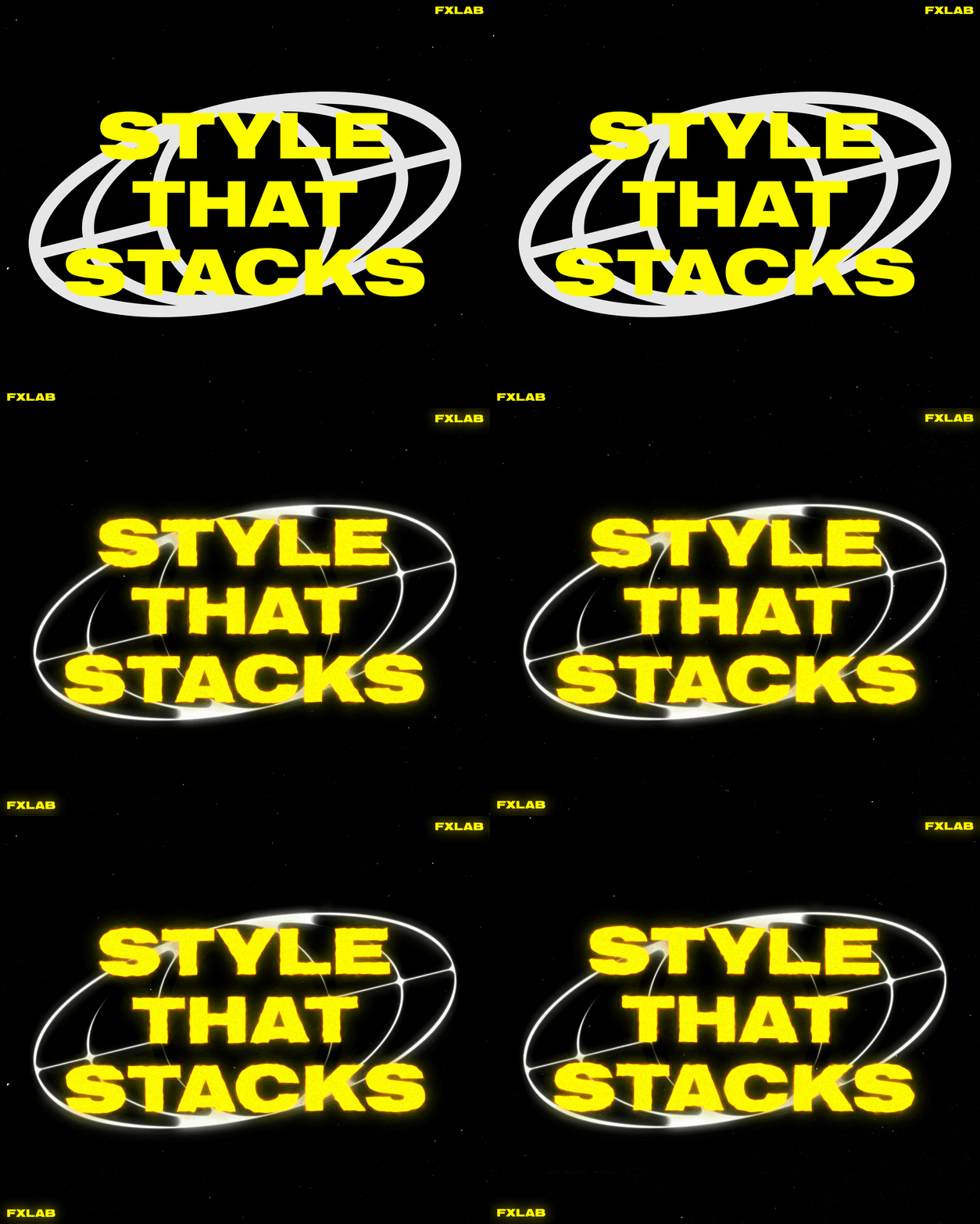
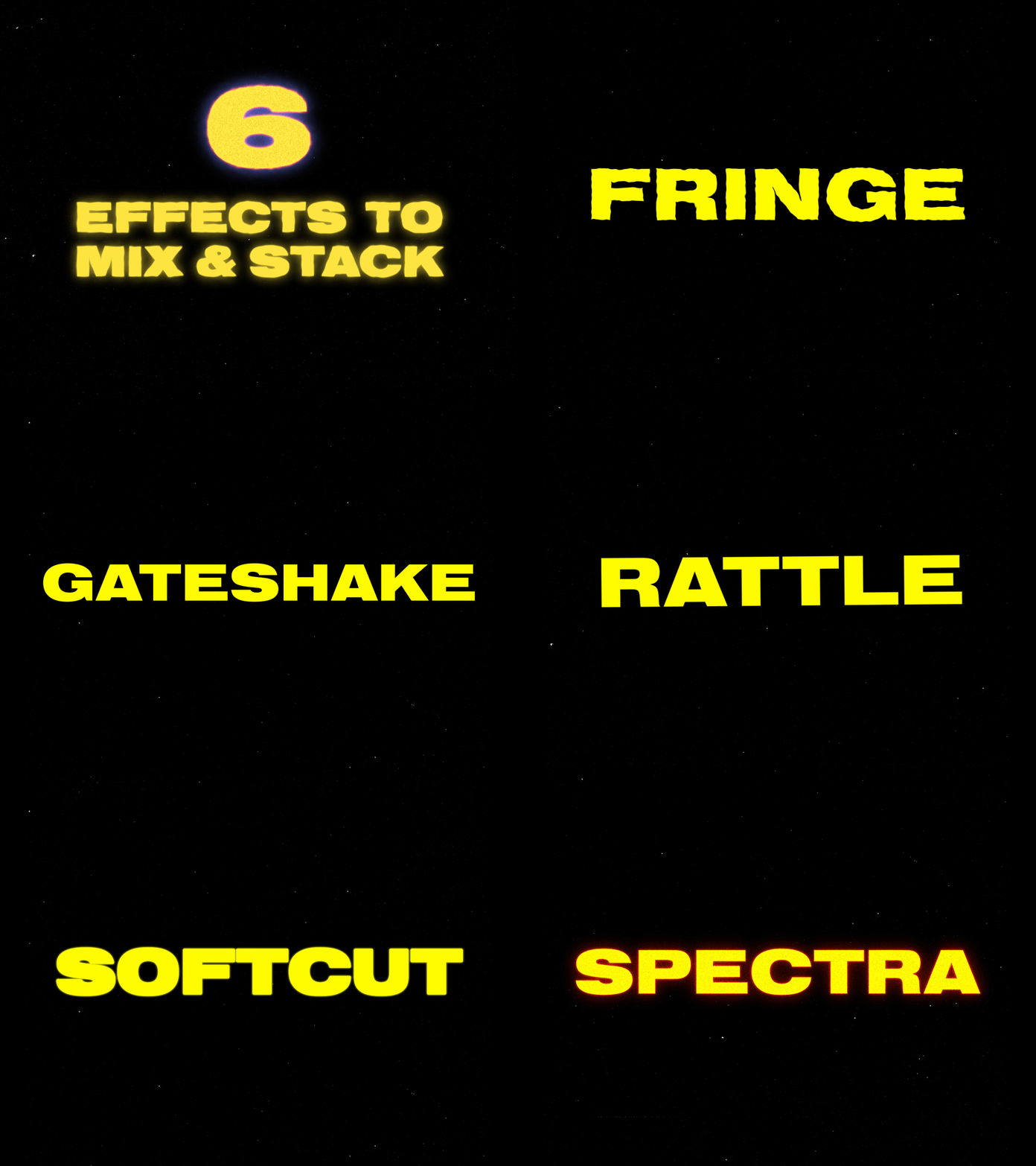
FX LAB is a collection of 6 effects designed to work together.
Every effect is built to be drag-and-drop, with the goal of bringing instant style. Each effect comes with controls that let you fine tune the result all without leaving the Edit page.
What's inside
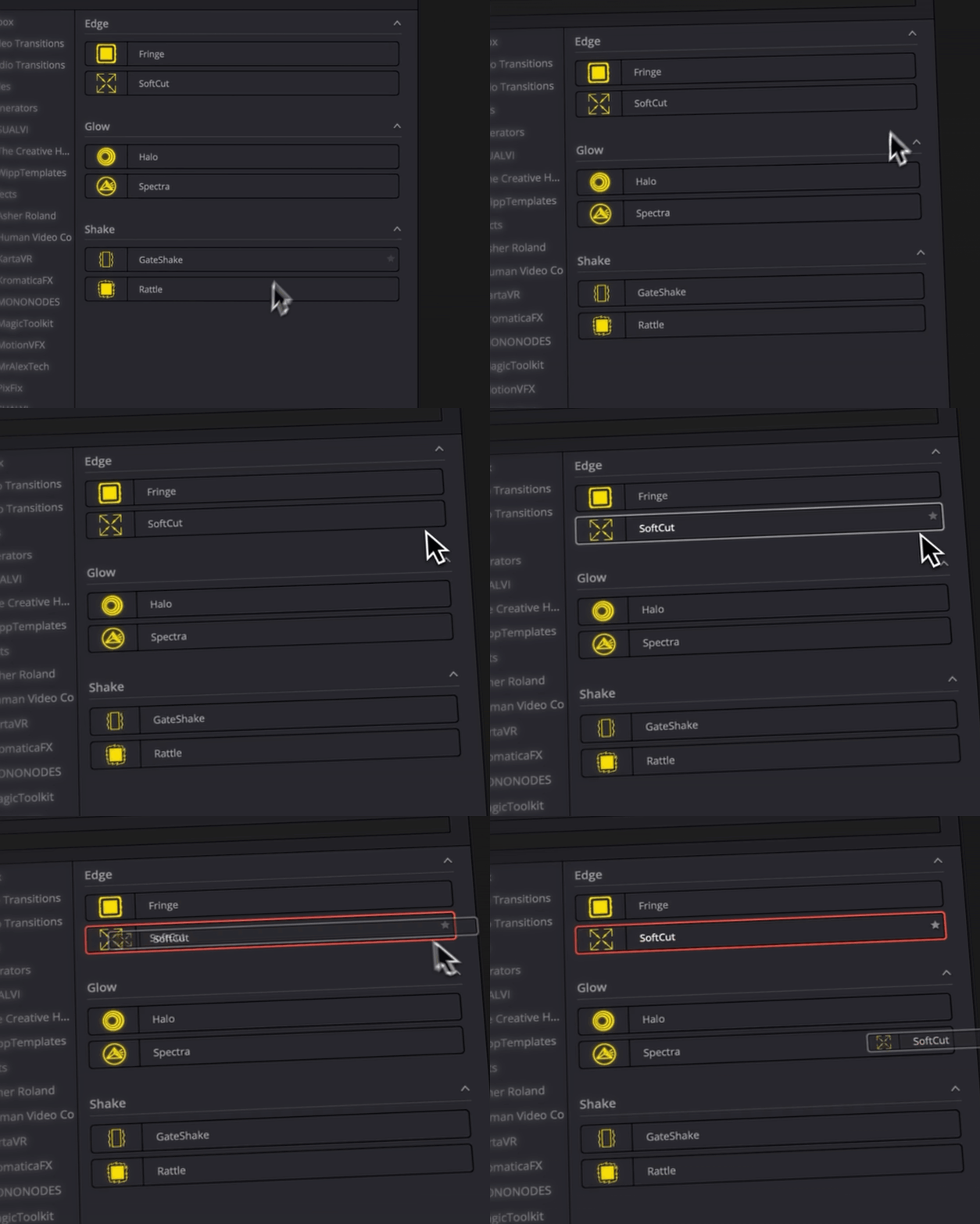
3 types of effects
Edges · glow · shake
Edges
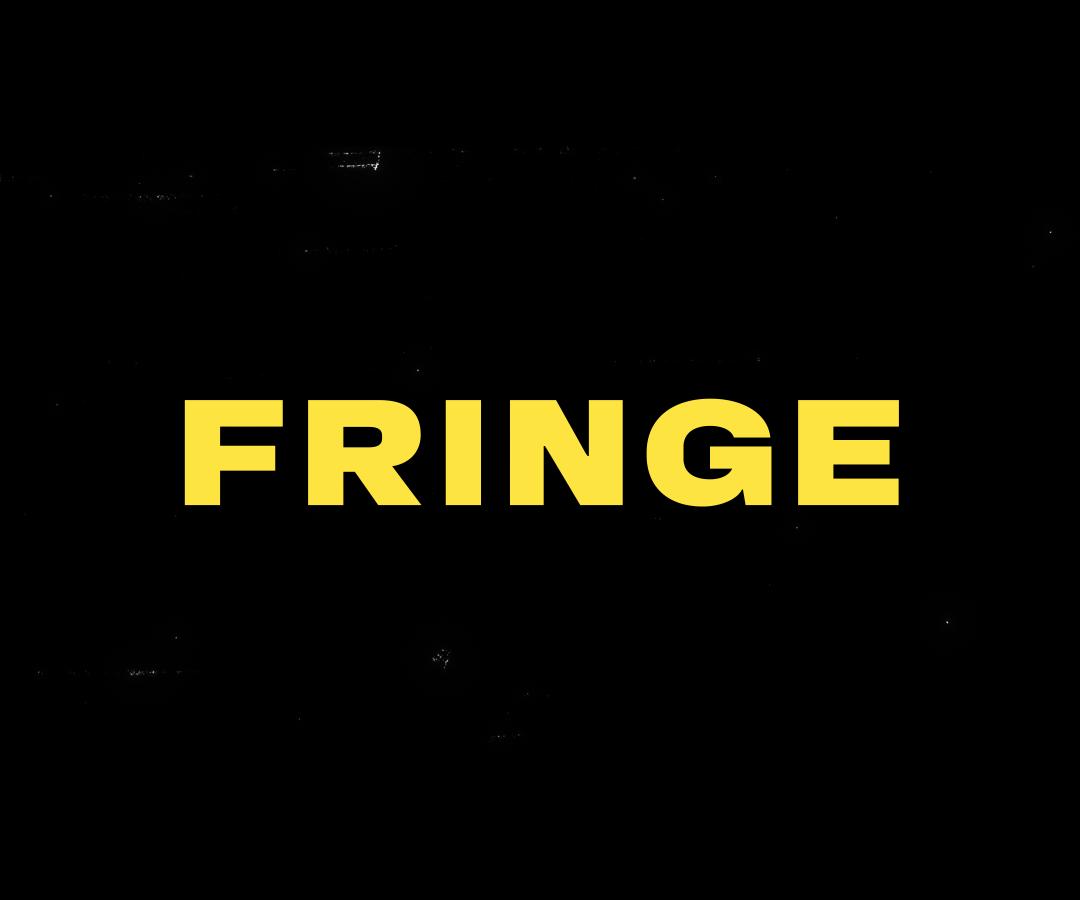
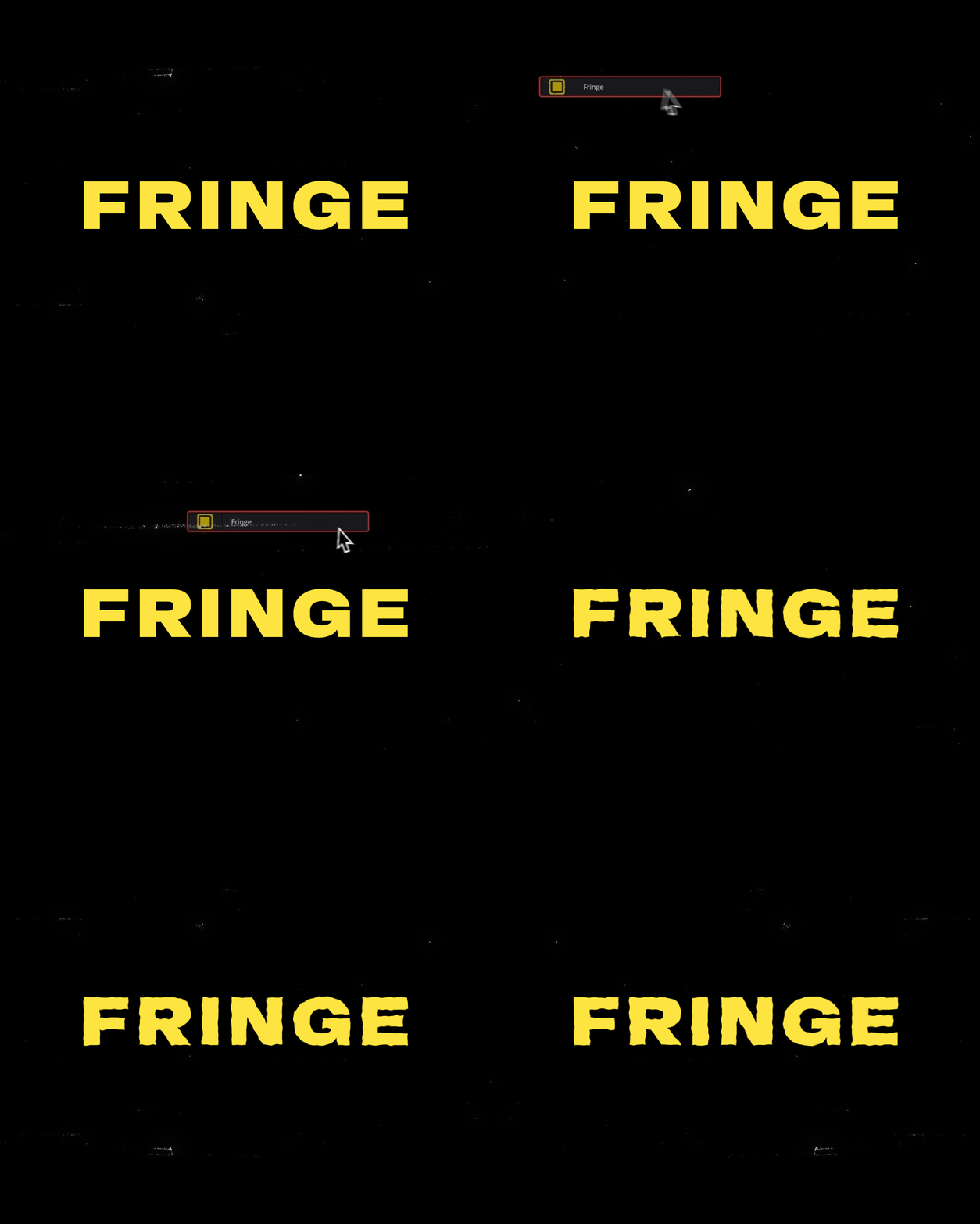
Fringe
Roughen the edges of text graphics or images for a distorted, hand-drawn look.
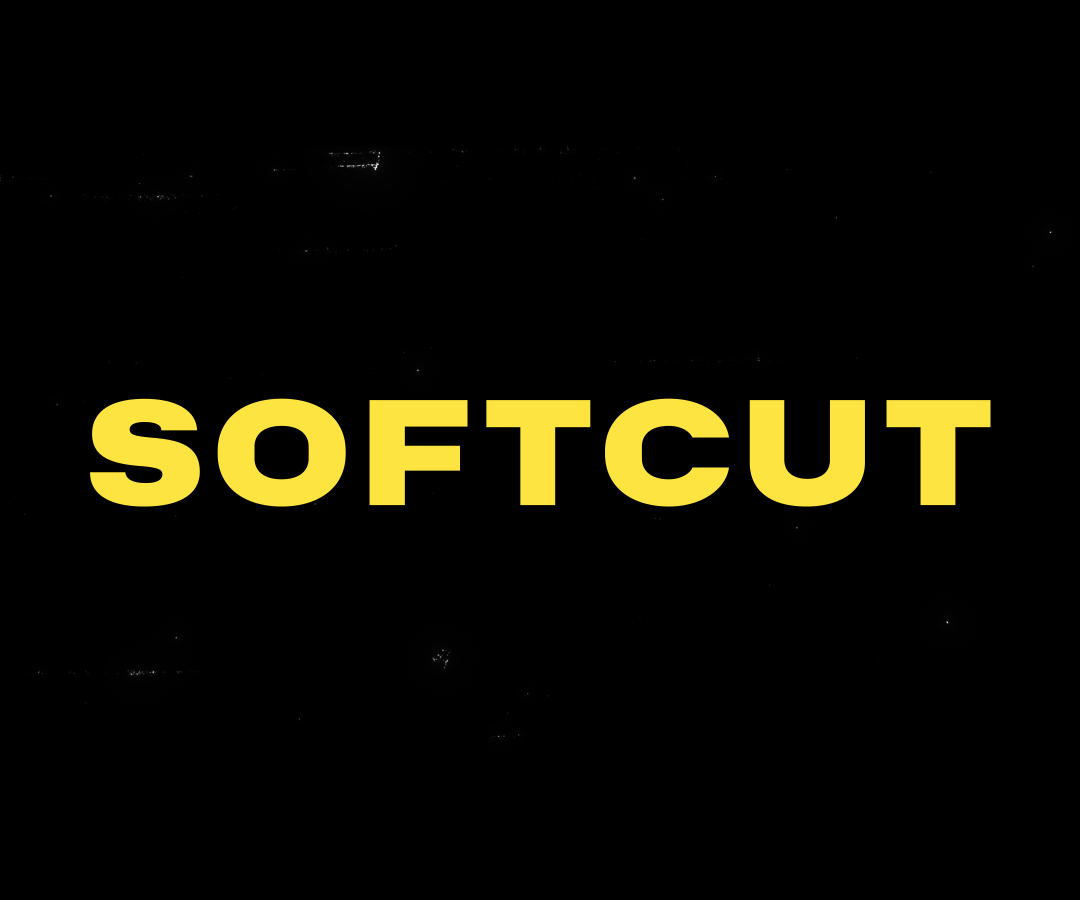
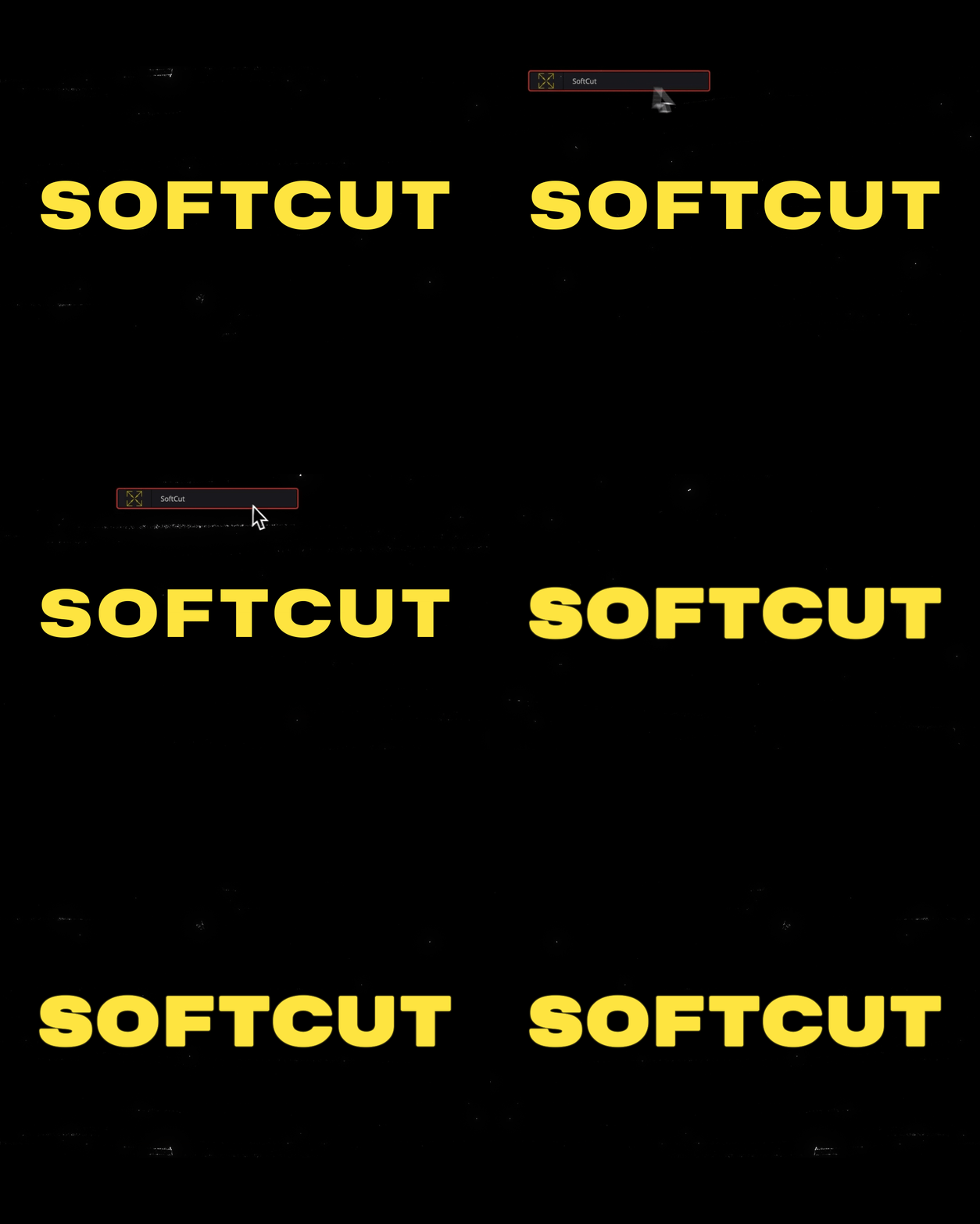
Softcut
A simple choker.
Extrude or choke edges while applying a subtle blur.
Glow
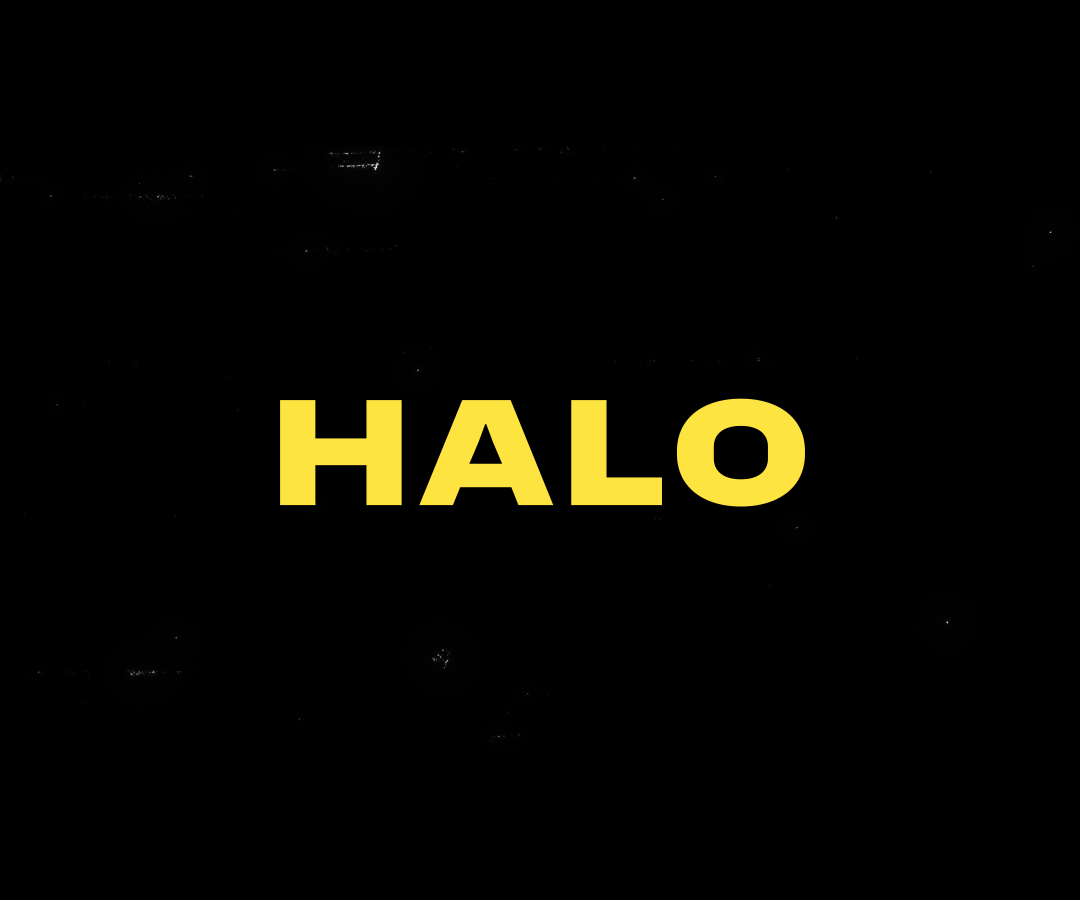
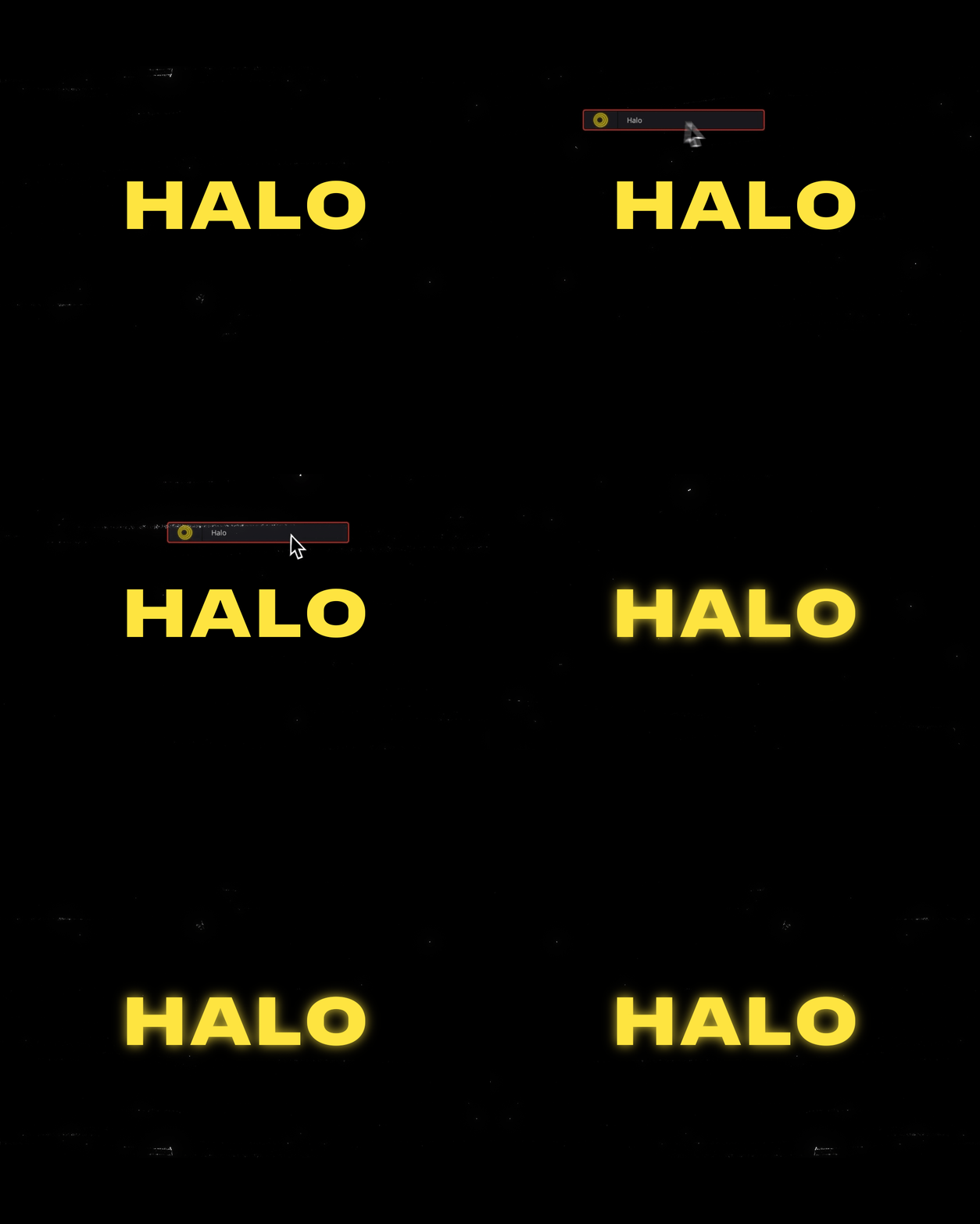
Halo
A clean, lightweight glow for quick rendering.
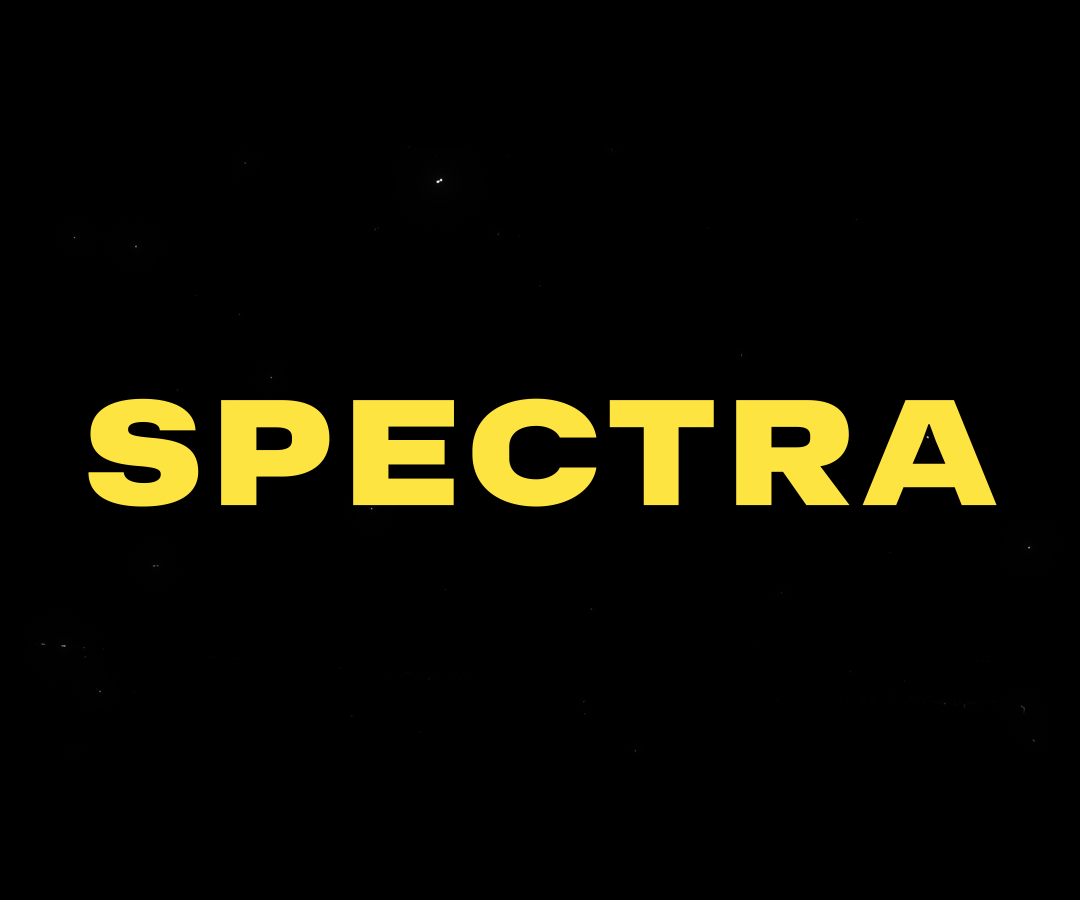
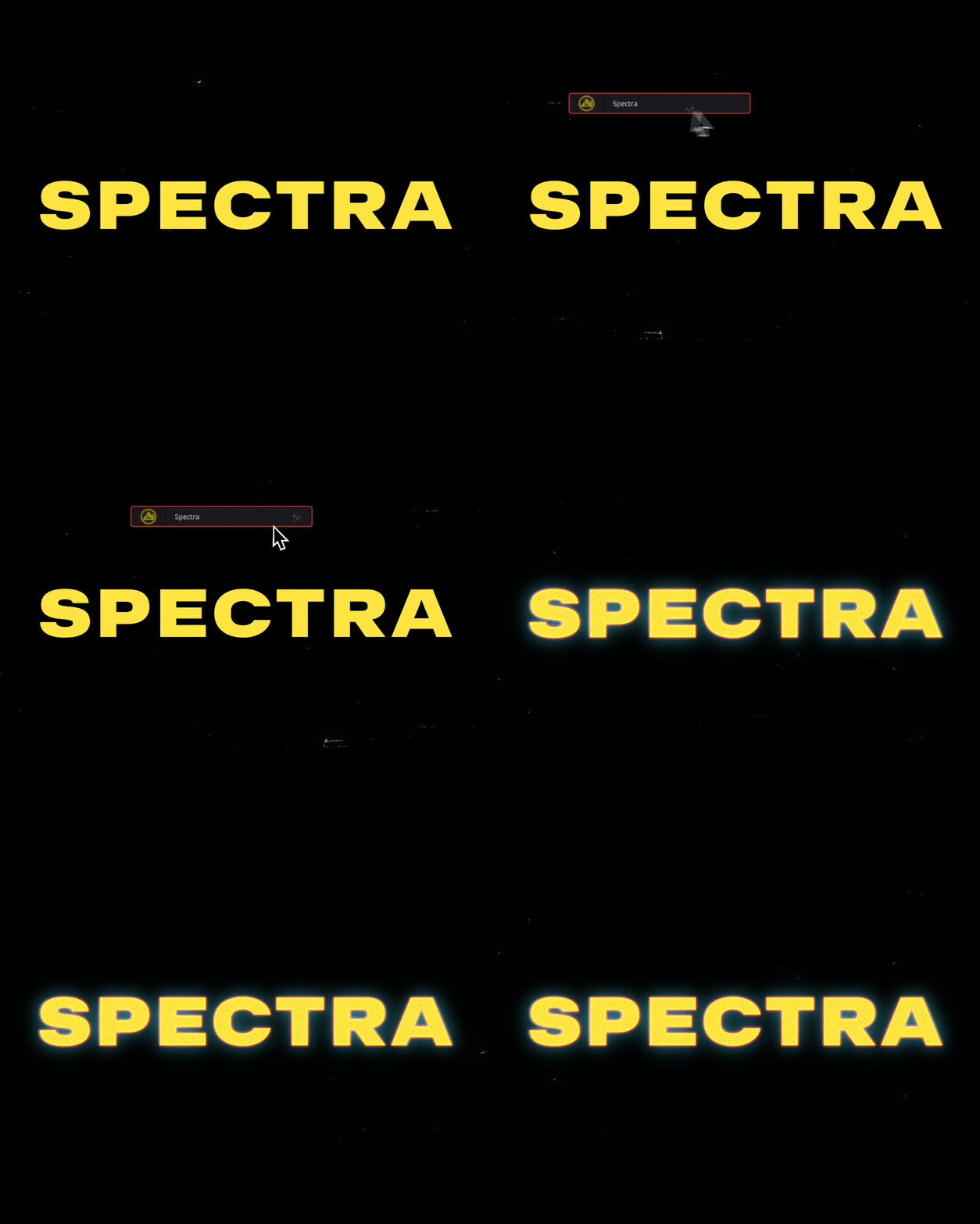
Spectra
A powerful glow plugin. Choose the glow color, add optional RGB split, halation, grain, and shake.
Shake
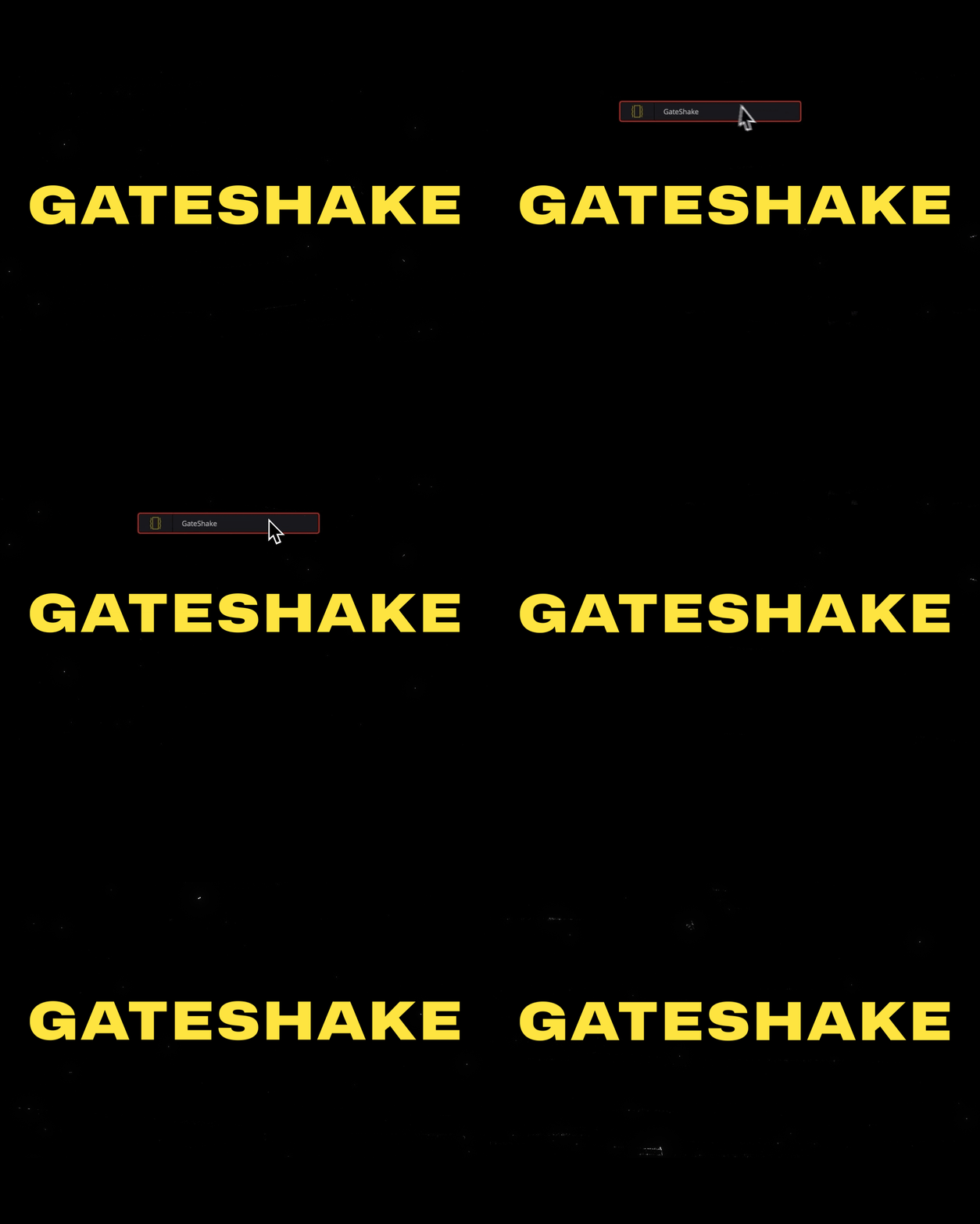
Gateshake
A subtle vertical film weave shake that adds a little texture and movement to static elements.
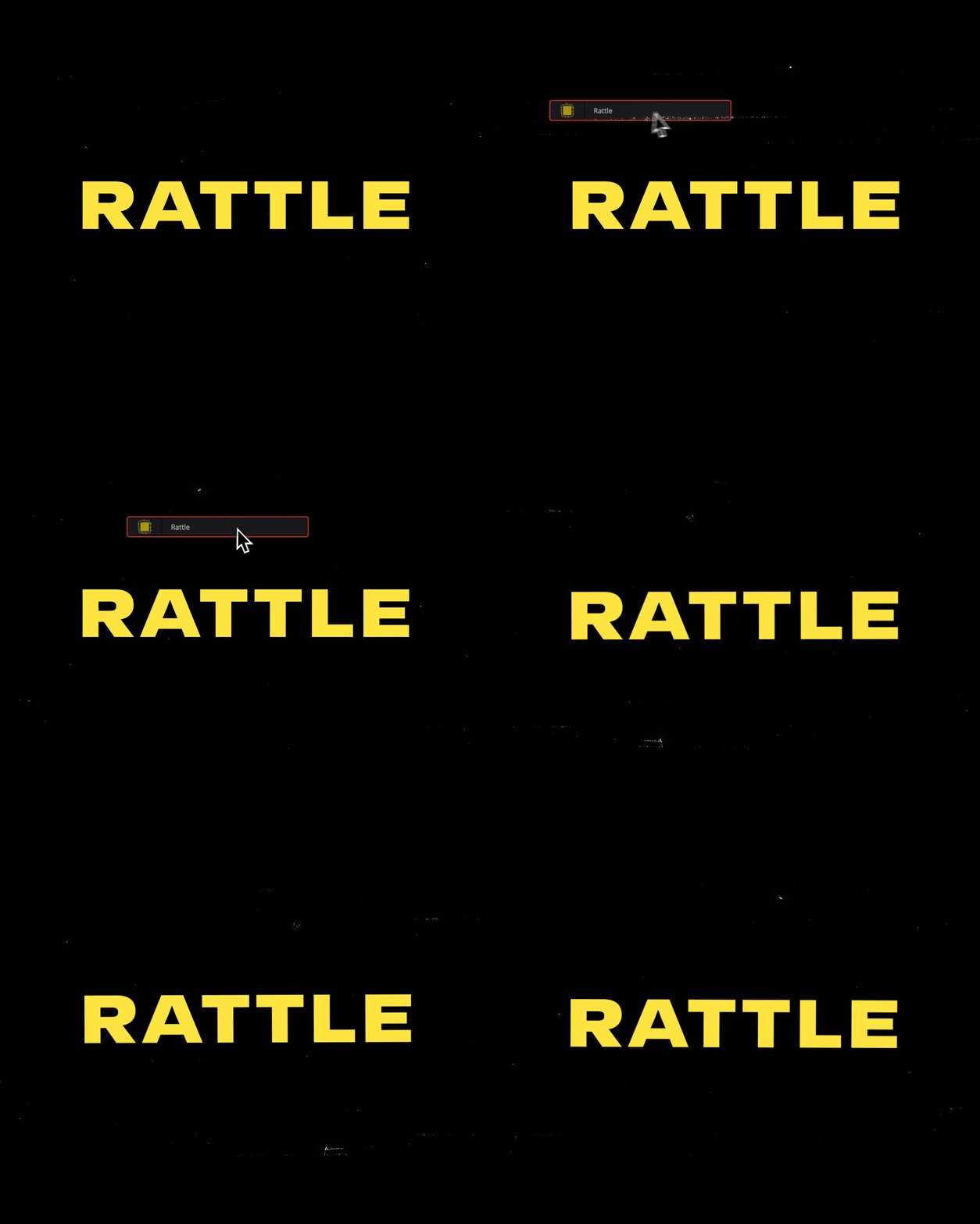
Rattle
A fully controllable camera shake with built-in posterize time. For that Stop Motion look.
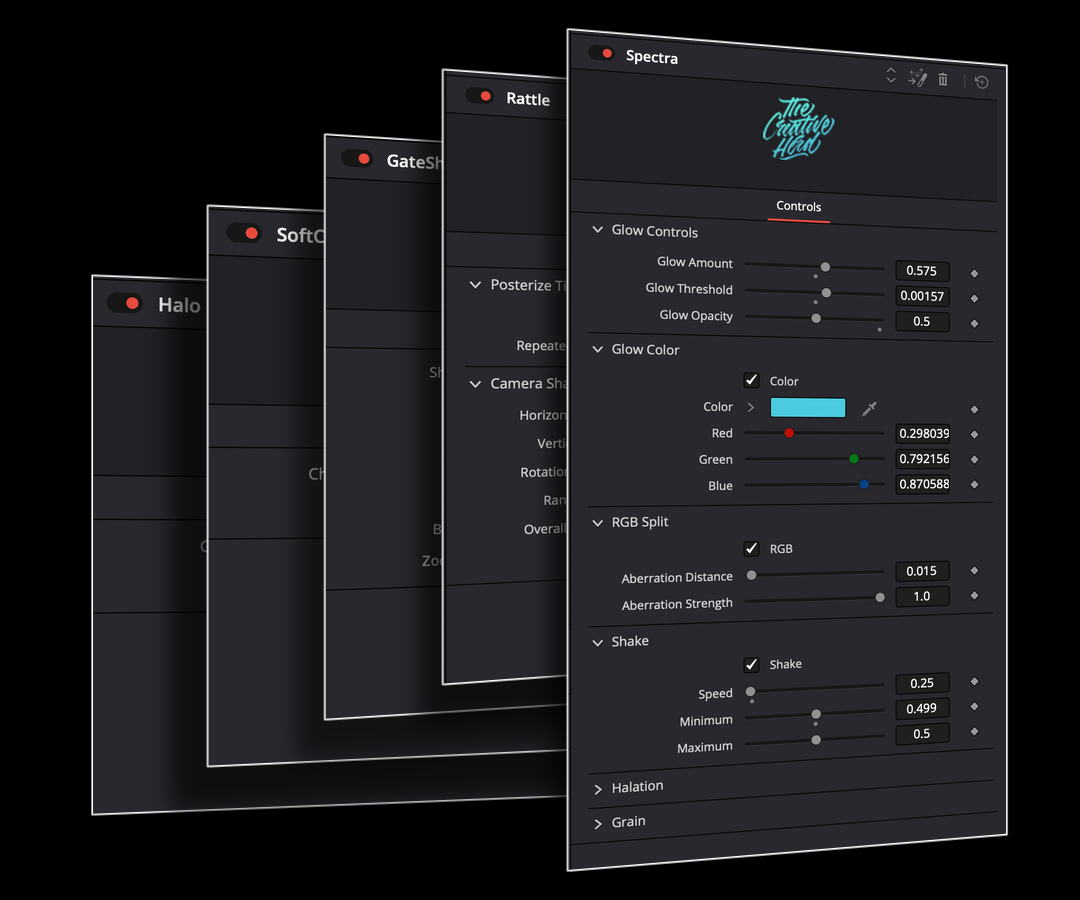
Effect controls
Each effect comes with its own set of controls, giving you endless ways to customize the look and feel.
Watch on YouTube
FrequentlyAskedQuestions
What’s included?
Six effects across three categories. Fringe and Softcut for edges, Halo and Spectra for glow, and Gateshake and Rattle for shake.
Where do I find the effects after installing?
On the Edit page in DaVinci Resolve, open the Effects panel and search for an effect by name. Drag it onto your clip, text, or graphic to apply it.
How do I customize the effects?
Select the clip with the effect applied and open the Inspector on the Edit page. Each effect has its own controls. Adjust them individually or stack effects to build your own look.
Which version of Resolve does this work in?
FX LAB works in both the Free and Studio versions of DaVinci Resolve.
Can I use these in commercial projects?
Yes. You can use FX LAB in personal and commercial projects. View Terms & Conditions
I own The Creative Herd Collection. Do I need to buy this?
FX LAB is included with The Creative Herd Collection. You can find it in your Collection downloads.
FX LAB
Made for what you make.